

Download Windows 11 Pro Lite 25H2 lightweight ISO. Fast Windows without TPM support optimized for old PCs, developers, and high performance use.
If you are looking for a fast, lightweight, and optimized version of Windows 11, the Windows 11 Pro Lite 25H2 Select 11 Edition is one of the best choices available right now.
This edition is based on Windows 11 Pro, but it has been optimized to remove unnecessary components, making it faster, lighter, and more responsive. That makes it perfect for developers, programmers, cybersecurity learners, and everyday users who want better performance.
One of the biggest advantages is that this version does not require TPM, which means it can run on older computers starting from Intel 3rd generation processors.
This results in:
This version bypasses that requirement, allowing installation on many unsupported systems.
Benefits include:
This will install:
Because it removes many background processes, it helps:
These tools make it easy to install Windows on any computer.
It is an excellent choice for:
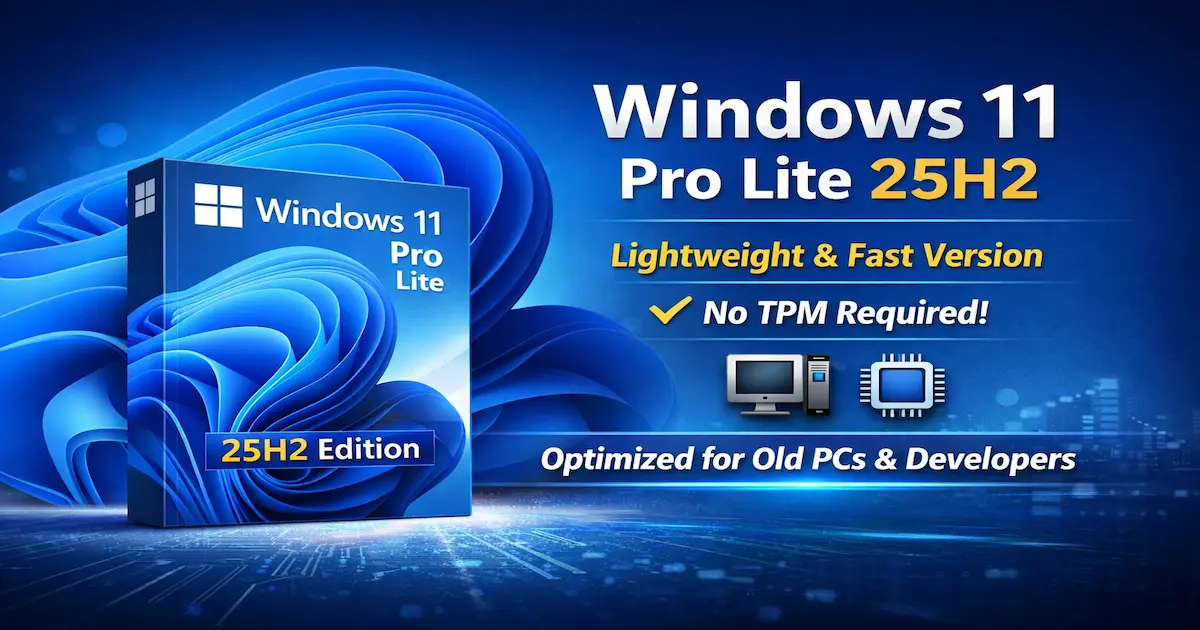
If you are looking for a fast, lightweight, and optimized version of Windows 11, the Windows 11 Pro Lite 25H2 Select 11 Edition is one of the best choices available right now.
This edition is based on Windows 11 Pro, but it has been optimized to remove unnecessary components, making it faster, lighter, and more responsive. That makes it perfect for developers, programmers, cybersecurity learners, and everyday users who want better performance.
One of the biggest advantages is that this version does not require TPM, which means it can run on older computers starting from Intel 3rd generation processors.
Windows 11 Pro Lite 25H2 Specifications 📦
Here are the main technical details of this Windows build:- Operating System: Windows 11
- Edition: Windows 11 Pro Lite 25H2
- Build: 26200.7462
- Release: March 2026
- Edition Type: Select 11 Edition
- File Size: 4.66 GB
- Language: English
- Architecture: 64-bit
Why Windows 11 Lite Is Faster Than the Standard Version ⚡
Lite versions of Windows are designed by removing many background services and unnecessary applications that normally consume system resources.This results in:
- Lower RAM usage
- Lower CPU usage
- Faster boot time
- Better system responsiveness
- Improved performance for heavy applications
Key Features of Windows 11 Pro Lite 25H2 🔥
The Select 11 Lite edition includes several powerful features that make it a great option for performance-focused users.Lightweight and Fast Interface
The system interface has been optimized to deliver a smooth and responsive experience, even on computers with limited hardware.No TPM Requirement
One of the biggest limitations of standard Windows 11 is the TPM 2.0 requirement.This version bypasses that requirement, allowing installation on many unsupported systems.
Skip Microsoft Account Login
This build allows installation without forcing you to sign in with a Microsoft account, giving users more privacy and flexibility.Optimized for Older Hardware
The system can run smoothly on devices starting from:- Intel Core i3/i5/i7 3rd generation
- Or similar modern processors
Windows Image Viewer Enabled
The classic Windows Image Viewer has been restored and set as the default photo viewer instead of the heavier Photos app.Why Developers Prefer Lightweight Windows Versions 👨💻
Many developers prefer Lite versions of Windows because they consume fewer resources and allow development tools to run faster.Benefits include:
- More RAM available for development tools
- Faster virtual machines
- Better performance for containers
- Faster terminal and command line operations
- Docker
- VirtualBox
- Kali Linux virtual machines
- Visual Studio Code
- Burp Suite
- Network testing tools
Example: Setting Up a Development Environment 🧑💻
After installing Windows 11 Lite, you can quickly install essential development tools using PowerShell and winget. Code:
winget install Git.Git
winget install Microsoft.VisualStudioCode
winget install Python.Python.3- Git
- Visual Studio Code
- Python
Is Windows 11 Lite Good for Gaming? 🎮
Yes, this version can also improve gaming performance on mid-range or older systems.Because it removes many background processes, it helps:
- Free more RAM for games
- Reduce CPU usage
- Improve system responsiveness
Important Tips Before Installing Windows 11 Lite ⚠️
Before installing any custom Windows build, it is recommended to follow these steps:- Create a backup of your important files
- Verify hardware driver compatibility
- Download the ISO from a trusted source
- Create a bootable USB drive
These tools make it easy to install Windows on any computer.
Final Thoughts 🧠
The Windows 11 Pro Lite 25H2 Select 11 Edition provides a fast, lightweight, and optimized Windows experience without the typical hardware restrictions like TPM.It is an excellent choice for:
- Older computers
- Developers
- Cybersecurity learners
- Programmers
- Power users who want maximum performance