
Download Adobe Photoshop 2027 for Windows. Explore the latest features, AI editing tools, system requirements, and official installation options.
The latest November 2026 release is version 28.0, which introduces several new editing and AI-powered features.
Photoshop supports professional editing tools, including:
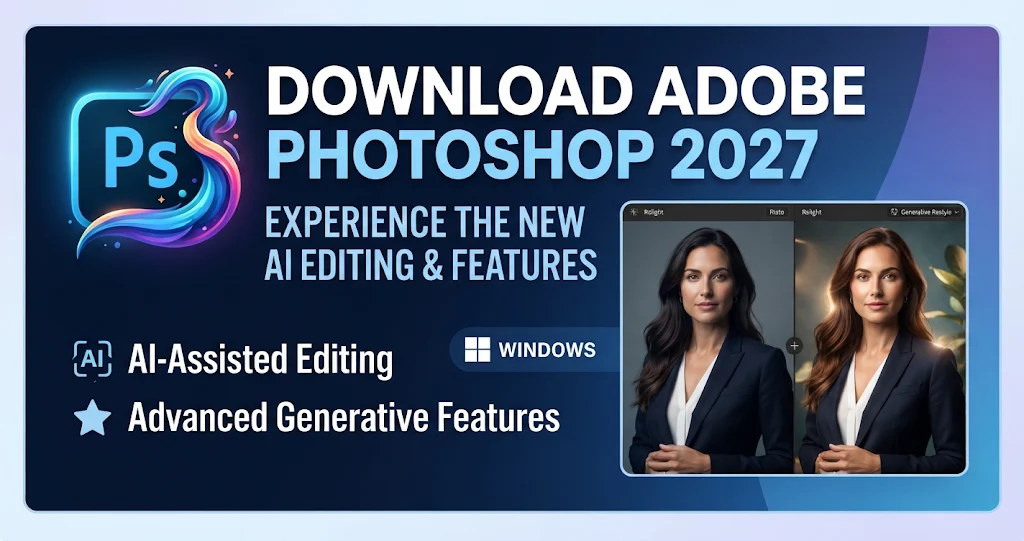
1. Relight
Add and adjust lighting directly in photos, including light direction, intensity, warmth, and softness.
2. Quick Compare
Compare your edited image with the original using a convenient before-and-after view.
3. Generative Restyle
Adjust image appearance using AI prompts and controls to fine-tune the generated results.
4. Improved Remove Tool
Remove unwanted objects along with related shadows, reflections, and other visual elements.
5. AI-Assisted Editing
Use natural-language instructions to make image adjustments and switch to the Pro Editor for more advanced control.
6. Generative Upscale
Improve image resolution and preserve important details for larger, print-ready images.
These features are documented in Adobe's November 2026 release notes.
Requirements for Photoshop version 28.x, according to Adobe's official documentation.
🎨 What Is Adobe Photoshop 2027?
Photoshop is widely used by graphic designers, photographers, digital artists, and content creators. It provides a complete workspace for creating and editing professional images.The latest November 2026 release is version 28.0, which introduces several new editing and AI-powered features.
Photoshop supports professional editing tools, including:
- Layers: Edit different elements independently.
- Masks: Control which parts of an image are visible.
- Smart Objects: Resize and transform content without permanently damaging the original.
- Filters: Apply creative effects and image adjustments.
- Adobe Firefly: Use generative AI to create and modify image content.
✨ What's New in Photoshop 2027?
The November 2026 release (version 28.0) introduces several useful improvements:1. Relight
Add and adjust lighting directly in photos, including light direction, intensity, warmth, and softness.
2. Quick Compare
Compare your edited image with the original using a convenient before-and-after view.
3. Generative Restyle
Adjust image appearance using AI prompts and controls to fine-tune the generated results.
4. Improved Remove Tool
Remove unwanted objects along with related shadows, reflections, and other visual elements.
5. AI-Assisted Editing
Use natural-language instructions to make image adjustments and switch to the Pro Editor for more advanced control.
6. Generative Upscale
Improve image resolution and preserve important details for larger, print-ready images.
These features are documented in Adobe's November 2026 release notes.
🛠️ What Can You Do With Adobe Photoshop?
Photoshop supports many creative and professional workflows, including:- 📸 Professional photo editing and retouching.
- 🎨 Logo design and brand identity creation.
- 📱 Social media graphics and promotional posts.
- 🖼️ Advertising banners, posters, and brochures.
- ✏️ Digital painting and illustration.
- 🌐 Website and application graphics.
- ✂️ Background removal and image compositing.
💻 Adobe Photoshop 2027 System Requirements
Before installing Photoshop, make sure your Windows computer meets the minimum hardware requirements.| Component | Minimum Requirements | Recommended |
|---|---|---|
| Operating System | Windows 10 21H2 or later | Supported updated Windows version |
| Processor | Multicore Intel or AMD with AVX2 | Modern multicore processor |
| RAM | 8 GB | 16 GB or more |
| Graphics | DirectX 12, 1.5 GB VRAM | 4 GB VRAM for 4K displays |
| Storage | 10 GB free space | SSD with additional workspace |
| Internet | Required for activation and online services | Broadband connection |
⬇️ How to Download Adobe Photoshop 2027
To get the genuine version of Photoshop, download it directly from Adobe rather than using unofficial installers or modified copies.- Visit the official Adobe Photoshop website.
- Select the available Photoshop plan or free trial, if offered in your region.
- Download and install the Adobe Creative Cloud desktop application.
- Sign in with your Adobe account.
- Find Photoshop and select Install.
- Wait for the installation to finish, then launch the application.