
- by x32x01 ||

📧 Opening an email inbox looks simple, but it relies on three major technology systems working together: telecommunications, networking, and IT infrastructure. When you open Gmail or Outlook, your device communicates with remote servers through a complex infrastructure that moves data across networks, optical fiber cables, routers, and data centers.
Let's break down what happens behind the scenes.
An email server runs on physical hardware that typically includes:
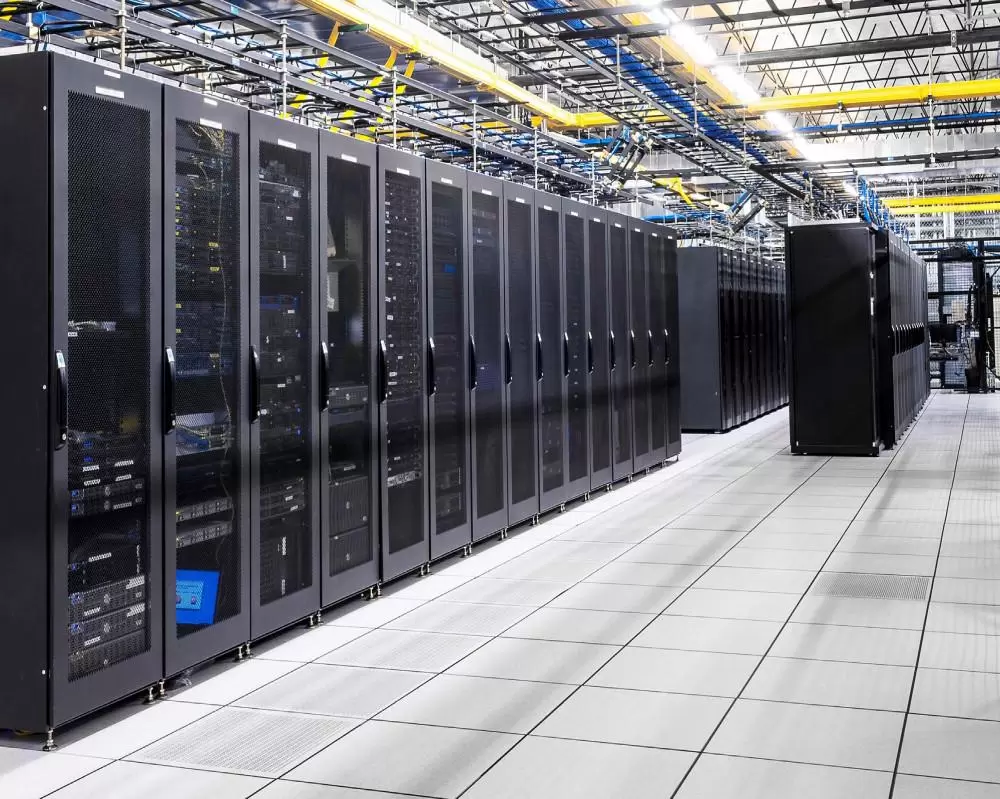 Email servers may be located in data centers thousands of miles away, or hosted through cloud infrastructure.
But how does your device reach them?
Depending on how you connect, the journey may begin through:
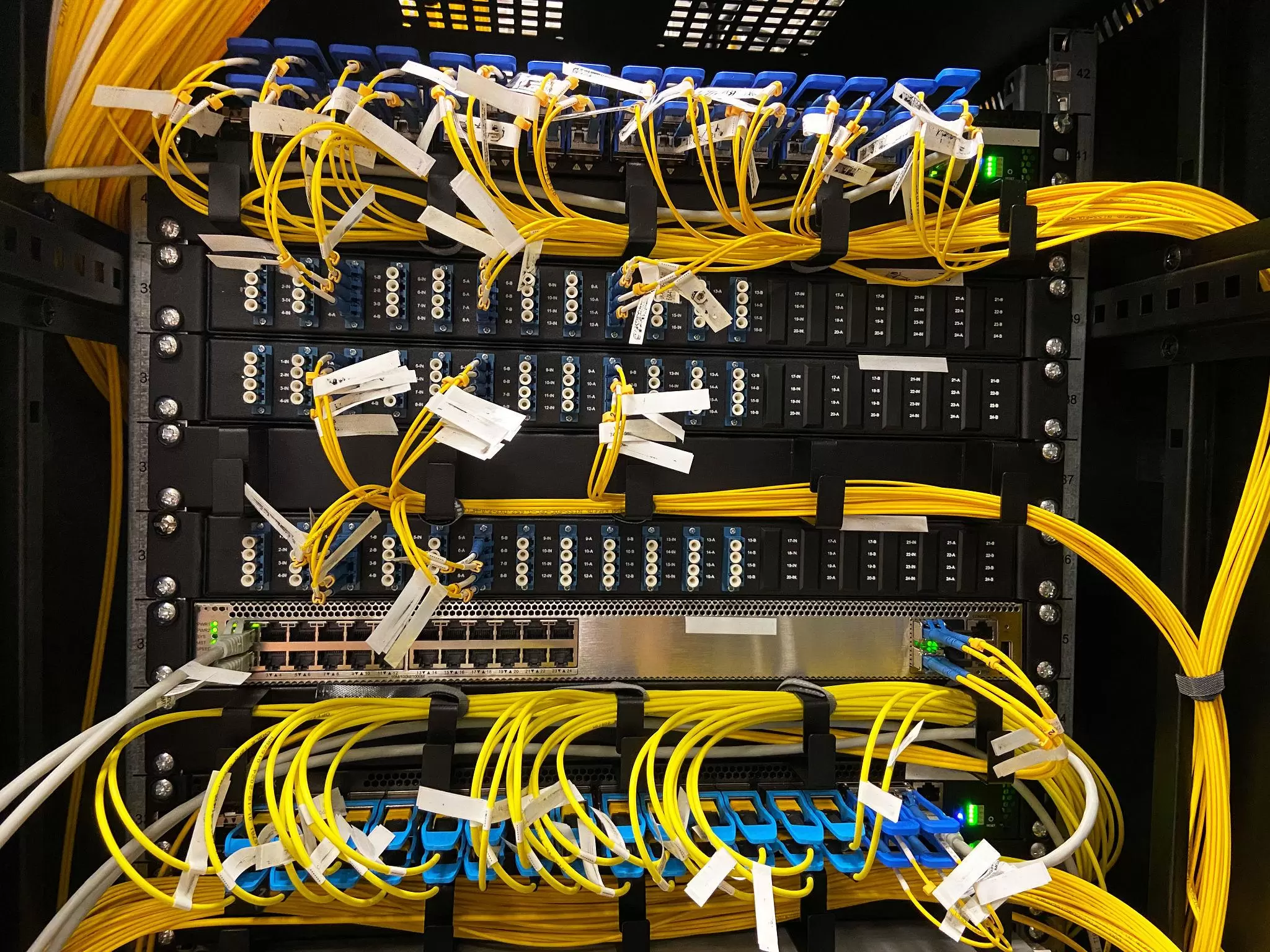 For long-distance and international communication, optical fiber networks play a critical role. Technologies such as WDM (Wavelength Division Multiplexing) allow multiple optical signals to travel through the same fiber, significantly increasing capacity.
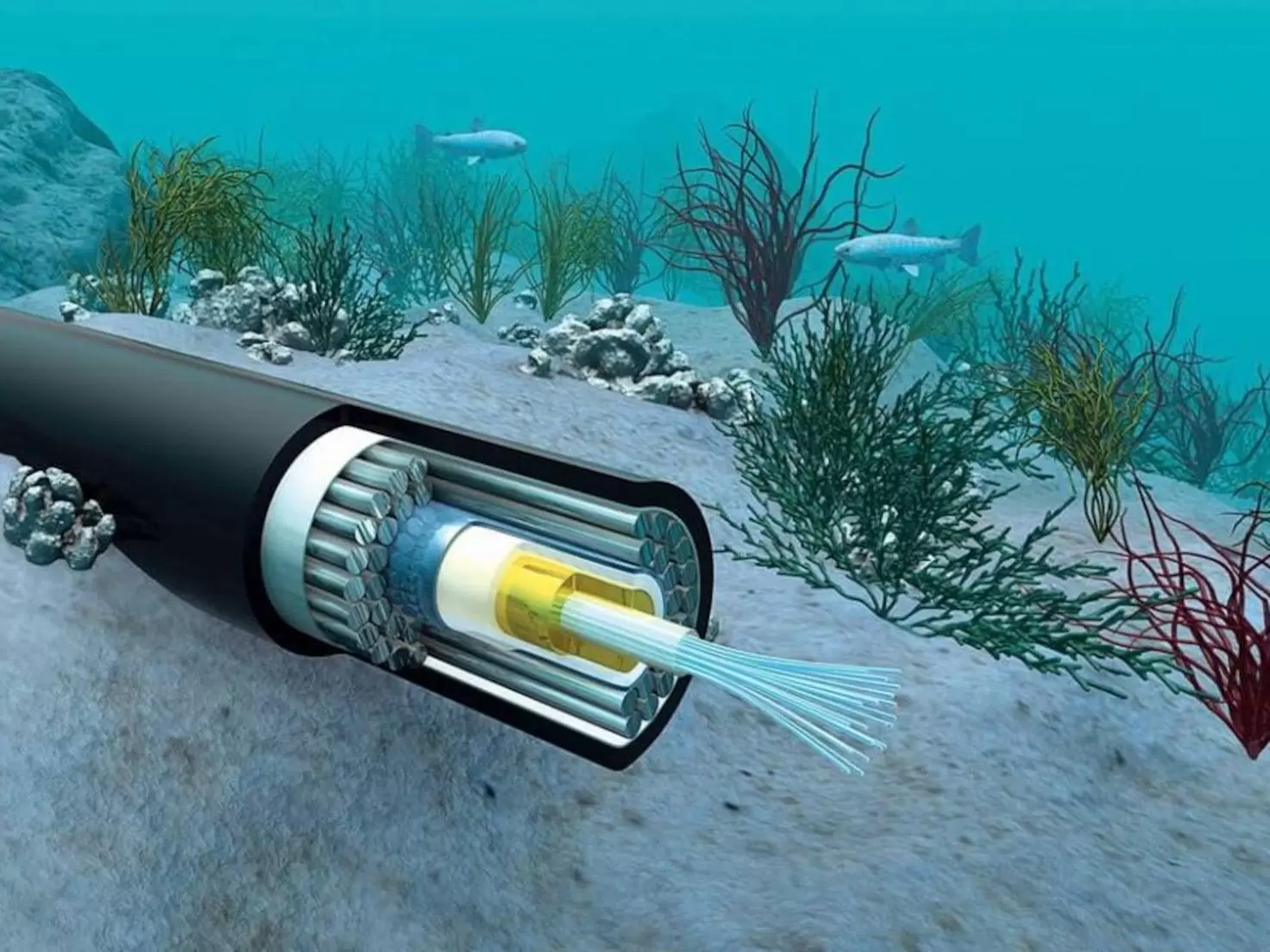
For communication between countries and continents, submarine fiber-optic cables carry enormous amounts of internet traffic across the oceans.

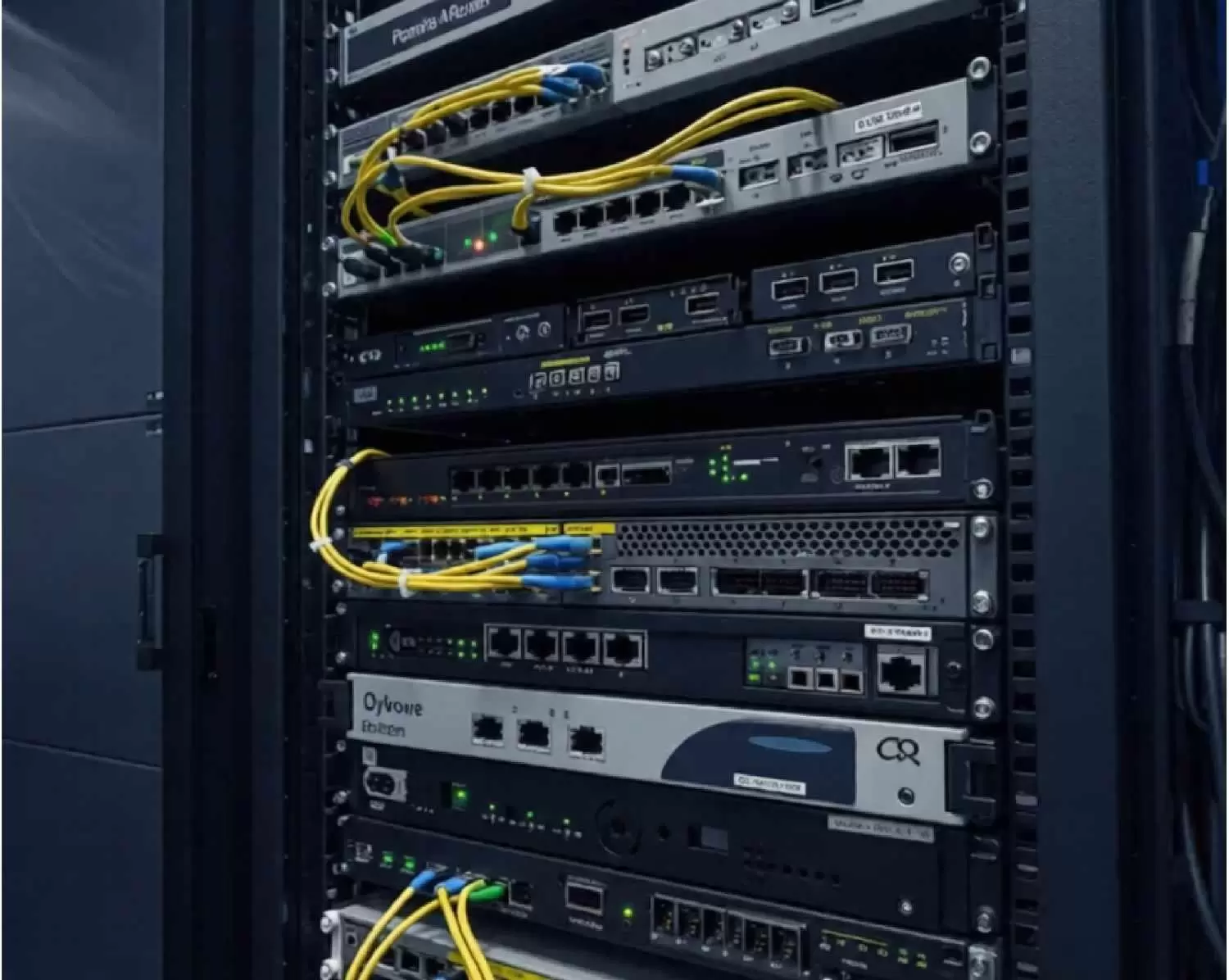
Routers use routing information to forward packets through different network paths. Each intermediate router represents a hop along the journey.
Routing protocols such as
 Large networks are also connected to optical transport infrastructure, which carries massive amounts of data over long distances.
Optical transport networks may include:
When you access an email service, DNS helps your device resolve the service's domain name into an IP address so it can establish a connection.
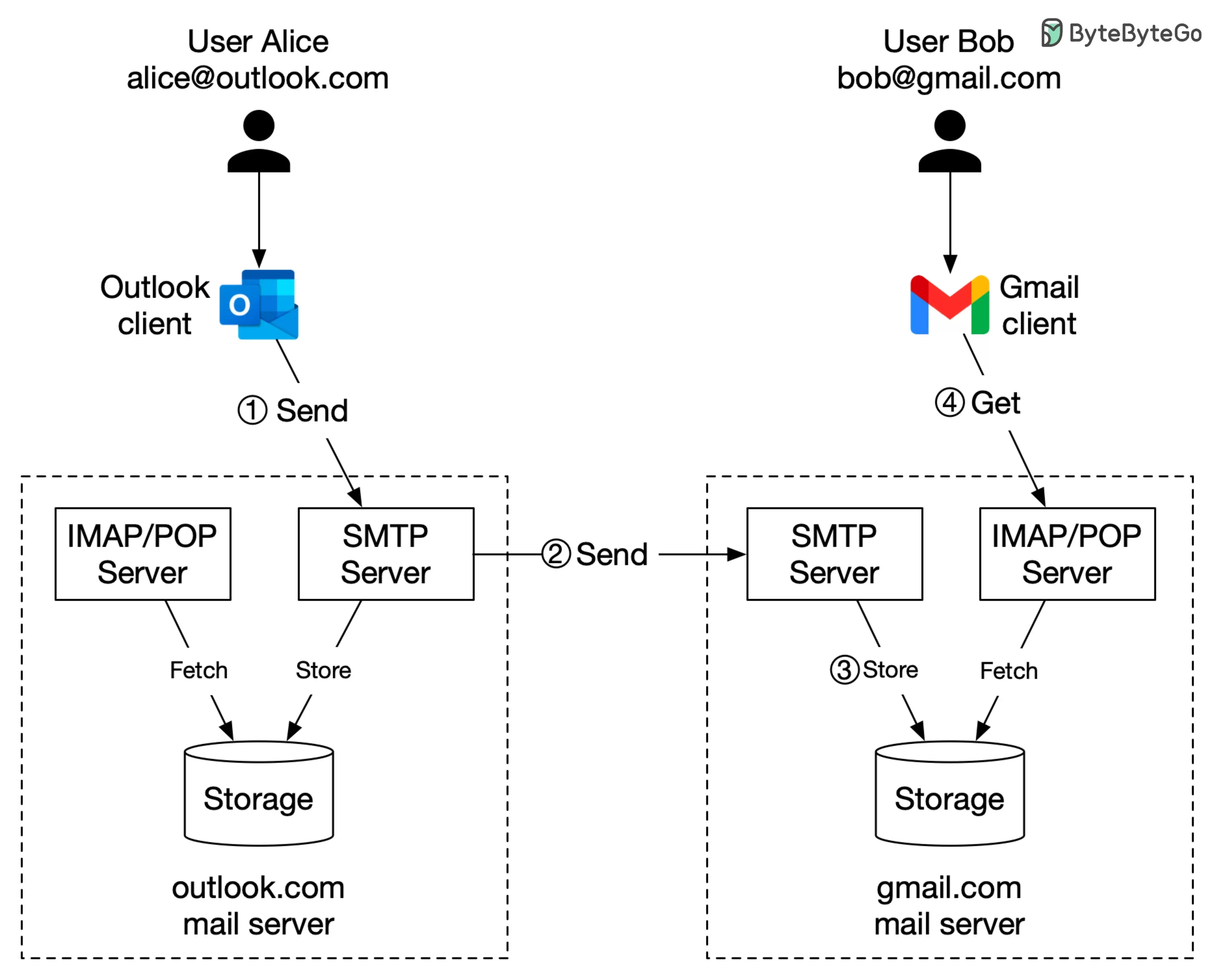
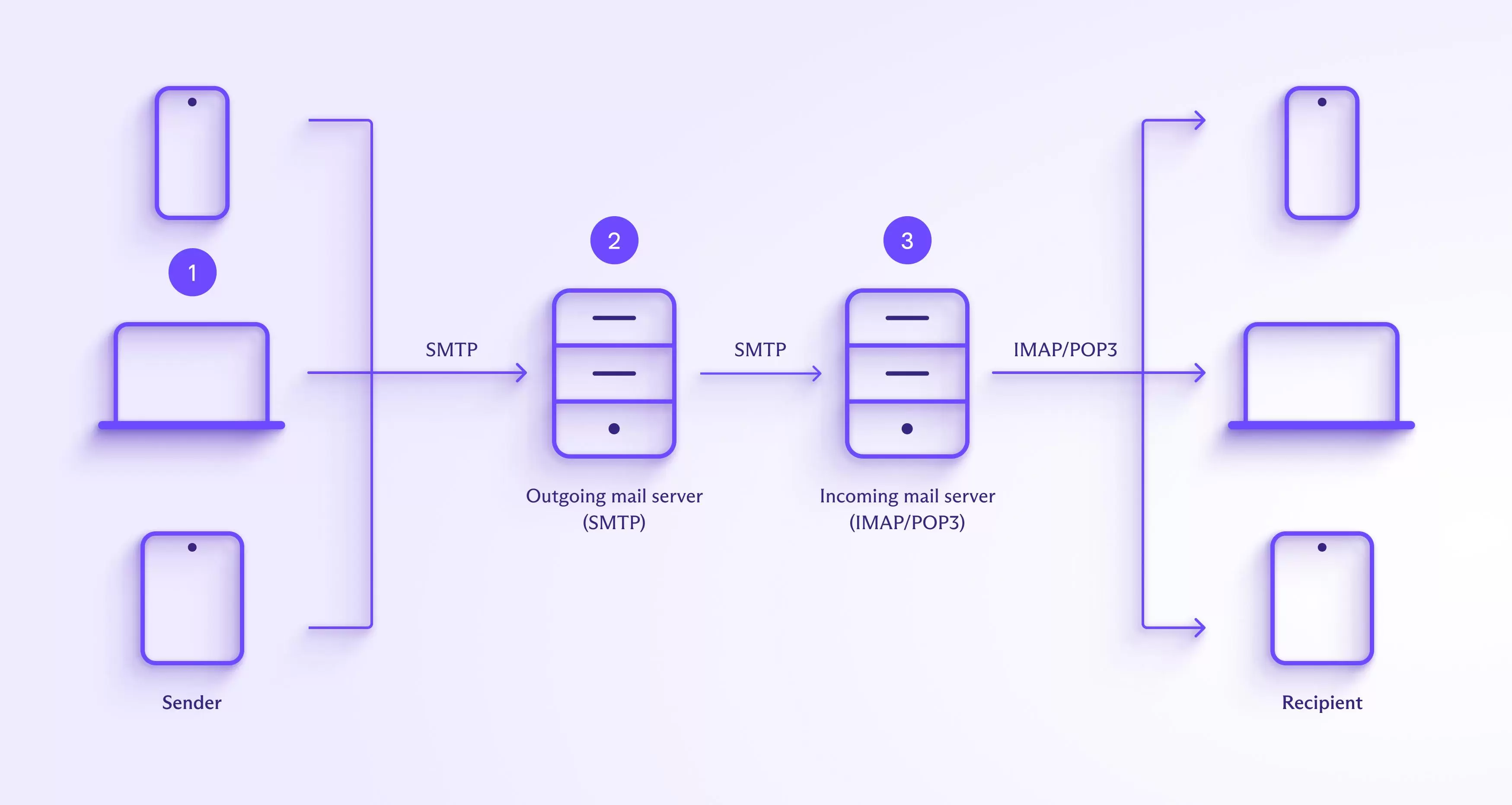
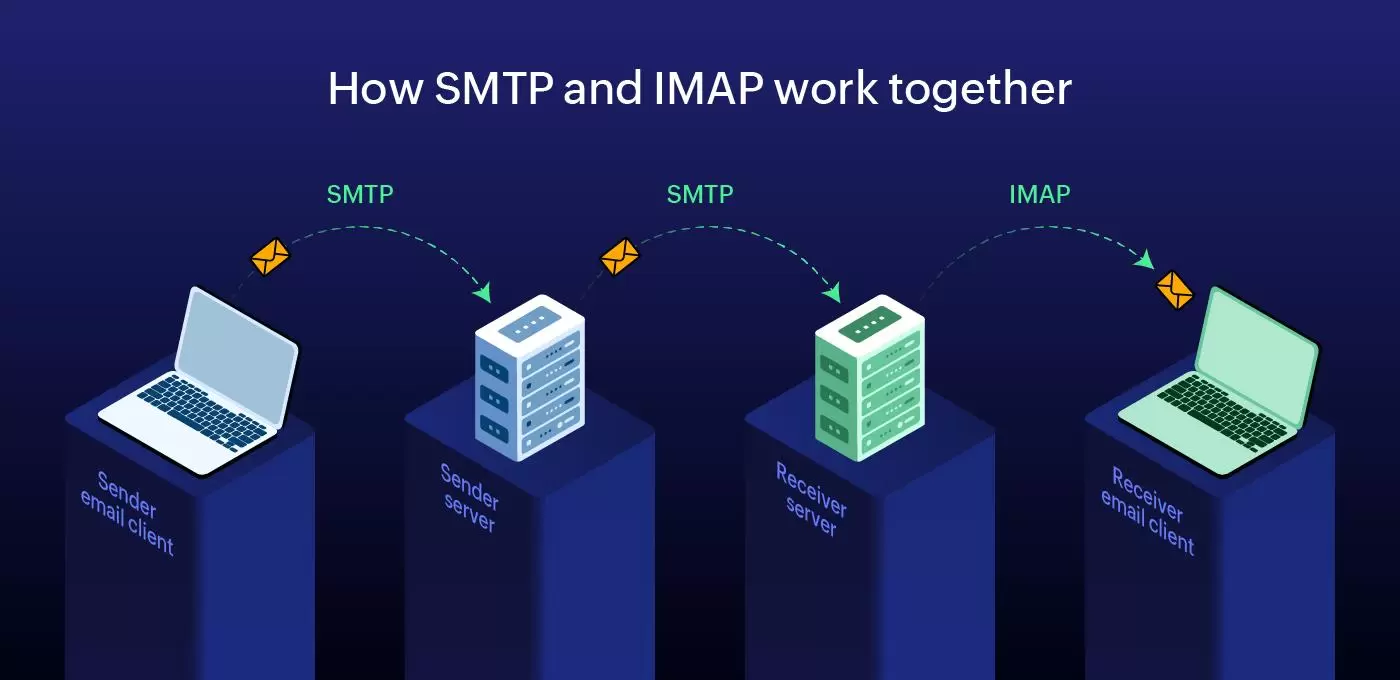
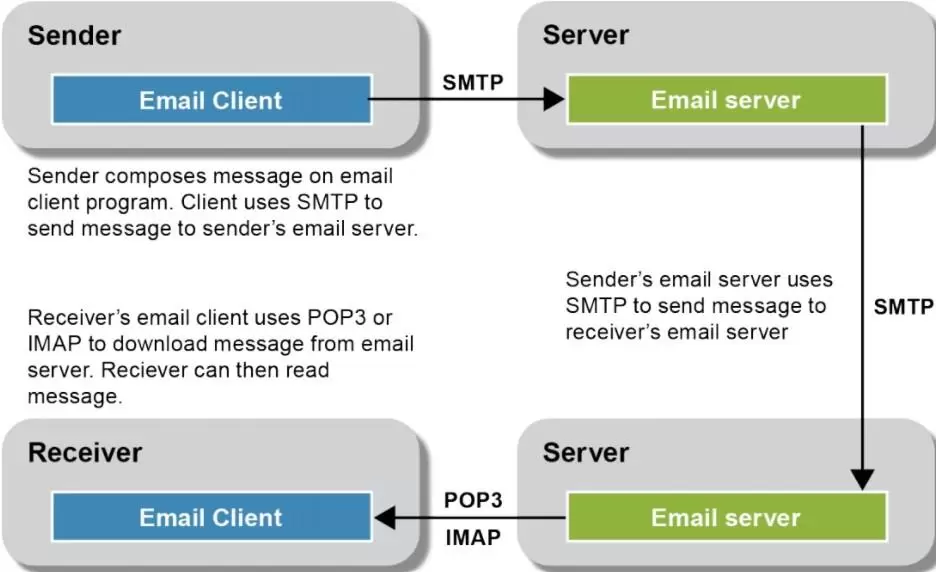
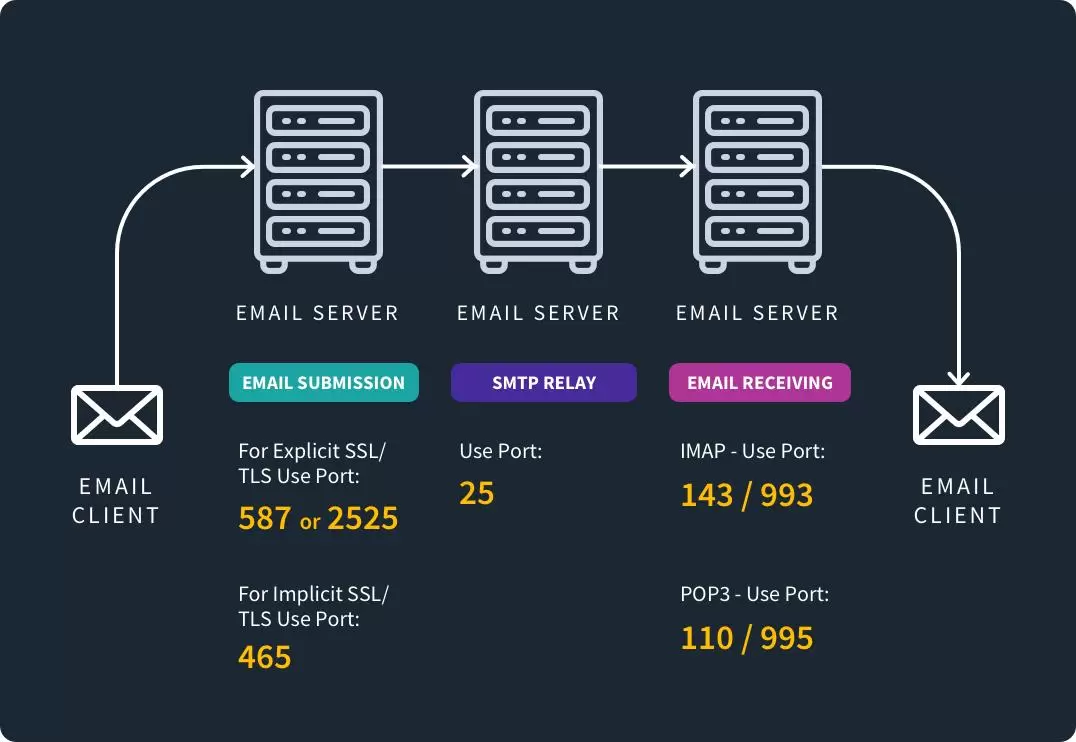
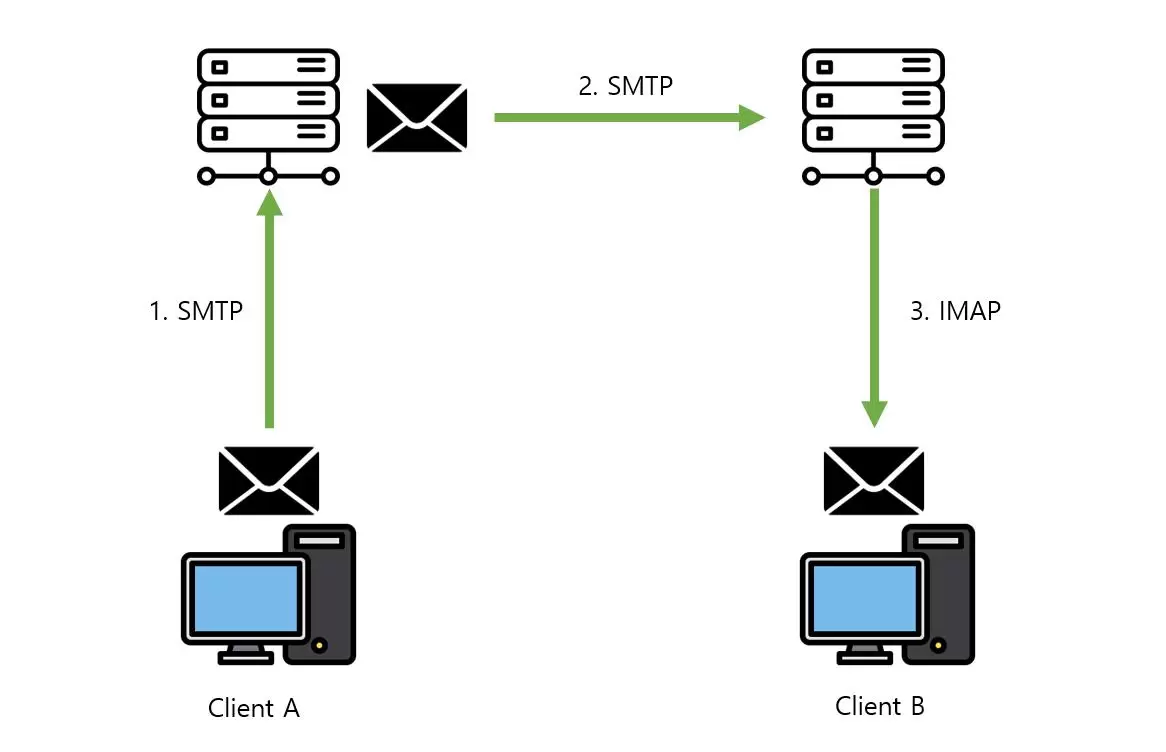 When you send an email, SMTP is commonly used to submit and transfer the message between mail servers.
When you open your inbox, IMAP allows your email client to access and synchronize messages stored on the server.
Modern email services may also use HTTPS-based APIs and web interfaces instead of directly exposing IMAP to the browser, but the underlying email infrastructure still relies on mail delivery protocols.
These systems may include:
Let's break down what happens behind the scenes.
🖥️ 1. Email Servers: Where Your Messages Are Stored
When you open Gmail or Outlook, your device accesses an email server to retrieve and display your messages.An email server runs on physical hardware that typically includes:
- CPU: Processes tasks and requests.
- RAM: Temporarily stores data for fast access.
- Operating System: Often Linux, which manages the server's resources.
- Storage: Permanently stores email data, user accounts, and other information.
- Hypervisor: In virtualized environments, it allows multiple virtual machines to run on the same physical server.
But how does your device reach them?
🌐 2. Telecommunications: How Data Travels Across the Internet
Your device needs an internet connection to communicate with the remote email server.Depending on how you connect, the journey may begin through:
- DSL: Internet access over telephone lines.
- FTTx: Fiber-optic broadband connections.
- 4G or 5G: Wireless access through mobile networks.
For communication between countries and continents, submarine fiber-optic cables carry enormous amounts of internet traffic across the oceans.
🔀 3. Networking: How Your Device Reaches the Email Server
Once your data enters the network infrastructure, routers determine how traffic reaches its destination.Routers use routing information to forward packets through different network paths. Each intermediate router represents a hop along the journey.
Routing protocols such as
OSPF help routers calculate and select suitable paths within a network.Optical transport networks may include:
- Transponders: Convert and process optical signals for transport.
- Multiplexers: Combine multiple signals into shared optical channels.
- Optical amplifiers: Boost optical signals over long distances.
- ROADM: Enables flexible routing of optical wavelengths.
- OTN: Optical Transport Network technology used to transport and manage data over optical infrastructure.
📡 4. DNS, IP Addresses, and DHCP
Several network services help your device communicate with email servers.| Technology | What it does |
|---|---|
| IP Address | Identifies a device or network interface for communication. |
| DNS | Resolves domain names into IP addresses. |
| DHCP | Automatically assigns network configuration, including IP addresses, to devices. |
✉️ 5. Email Protocols: SMTP and IMAP
Email relies on protocols that allow messages to be sent, received, and synchronized.| Protocol | Purpose |
|---|---|
| SMTP | Sends and transfers email messages. |
| IMAP | Synchronizes and accesses email messages stored on the server. |
When you open your inbox, IMAP allows your email client to access and synchronize messages stored on the server.
Modern email services may also use HTTPS-based APIs and web interfaces instead of directly exposing IMAP to the browser, but the underlying email infrastructure still relies on mail delivery protocols.
🔐 6. Email Security and Spam Filtering
Email infrastructure also includes security systems designed to protect users and servers.These systems may include:
- Spam filters: Detect unwanted or suspicious messages.
- Malware scanning: Checks attachments and links for malicious content.
- Encryption: Protects data during transmission or storage, depending on the service.
- Authentication mechanisms: SPF, DKIM, and DMARC help verify email domains and reduce spoofing.
- Access controls: Protect email accounts from unauthorized access.
🚀 What Happens When You Open Your Email?
When you open Gmail or Outlook, your device initiates a series of interactions:- Your device connects to the internet through broadband or a mobile network.
- Network infrastructure forwards your traffic toward the email service.
- DNS resolves the service's domain name when needed.
- Your device establishes a connection with the email service.
- The email application retrieves or synchronizes your messages.
- The server processes your request and sends the required data back.
- Your inbox displays the messages.
Last edited: